A Free Background Remover for Solo Travelers’ Outfit Photos
The problem: solo travel means nobody’s holding the camera
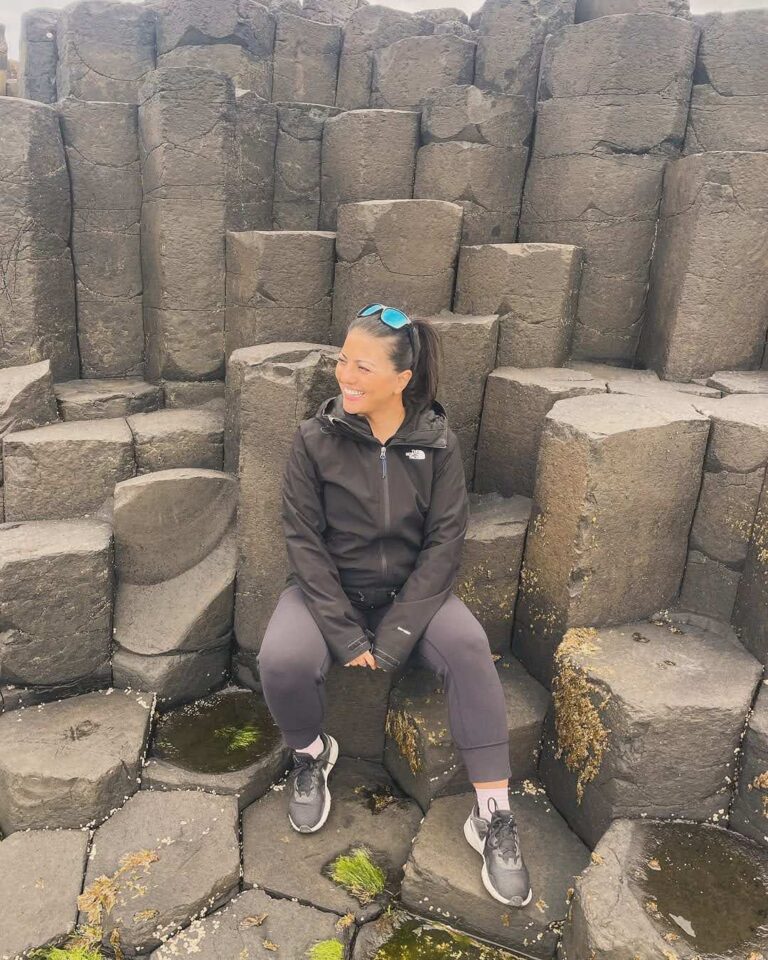
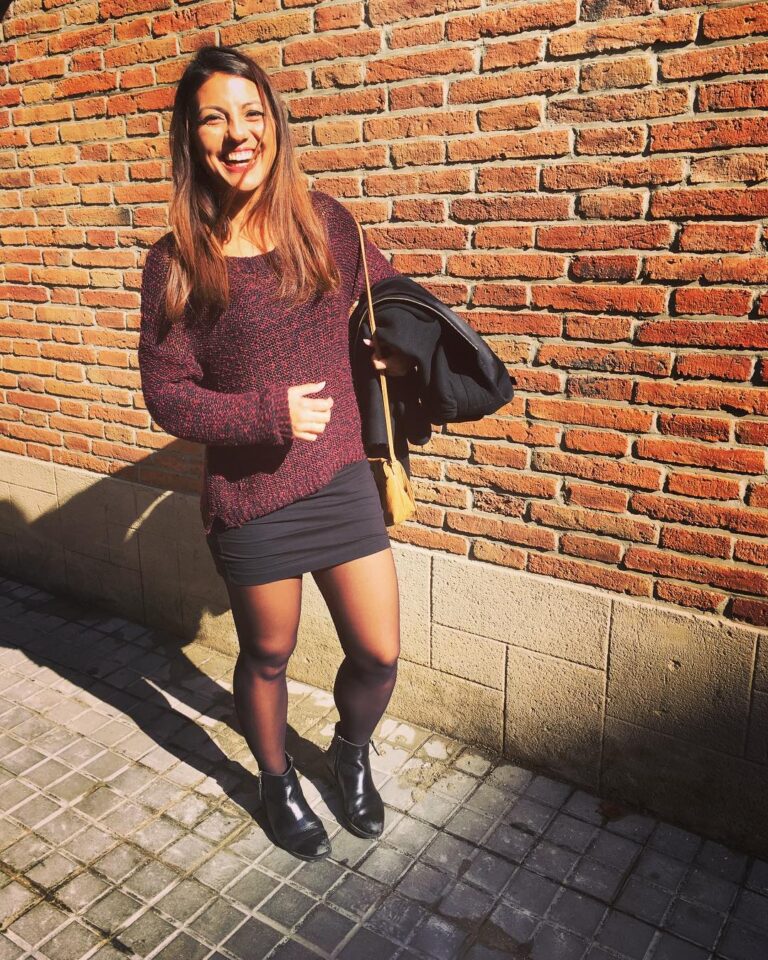
Looking for a free background remover for solo travelers ? Every solo female traveler knows the outfit photo struggle.
You packed carefully. The outfit is great. And your options for actually photographing it are: a wobbly tripod shot in a hostel room, a mirror selfie under fluorescent lighting, or handing your phone to a stranger and getting back a photo where you’re 40% lamppost.
You have the confidence to travel the world alone — but somehow no decent photo of yourself doing it.
Here’s the workaround I’ve been testing: stop trying to get the perfect shot in the moment.
Get a usable shot of yourself — any background, any lighting chaos behind you — then cut yourself out and rebuild the photo afterward.
The tricky part has always been the tools: online background removers want you to upload every attempt, watermark the results, and cut you off after a handful of free credits.
That’s where Creative Fabrica’s new desktop app comes in. It includes free desktop AI tools for creators — such as a background remover that runs locally on your laptop. No uploads, no credits, no watermarks.
What is Creative Fabrica Studio Desktop?
It’s a free Windows and Mac app that combines Creative Fabrica Studio (a design editor) with local AI models you install on your own computer.
After a model is downloaded, supported tools — background removal, image upscaling, image generation, and text-to-speech — can run directly on your machine rather than relying solely on cloud processing.
There’s no paid account or credit card required to use the free tools.
Free AND local? Usually, you get one or the other. So I installed it.
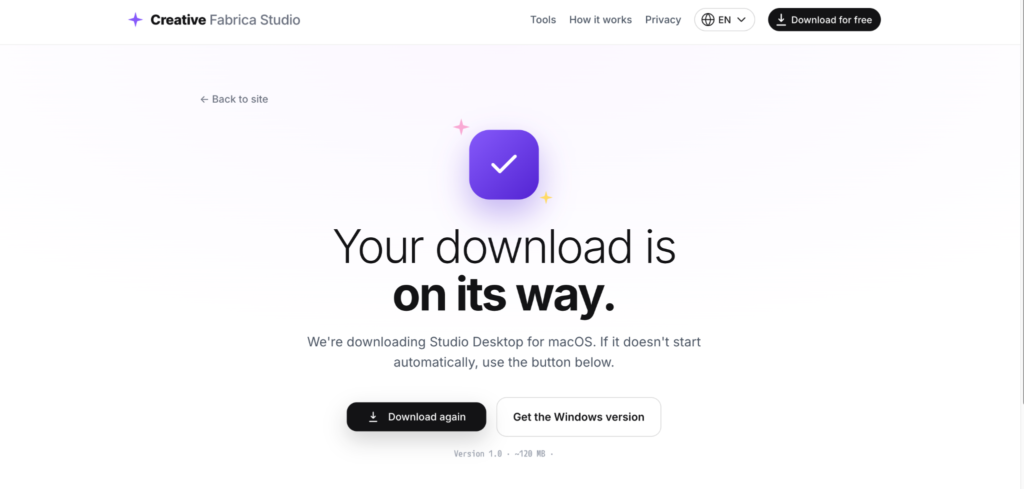
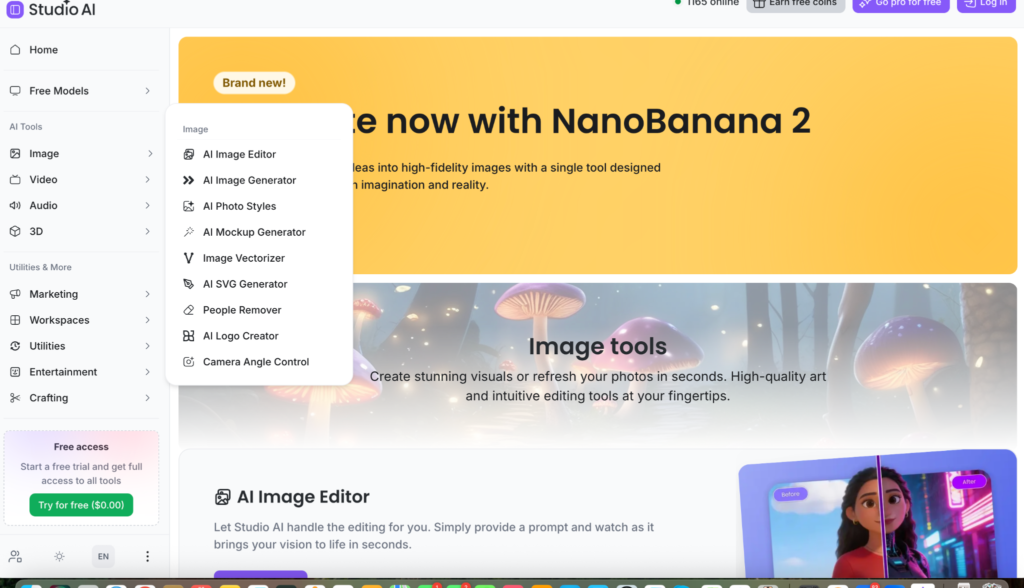
So, here is what it looks like after I installed it on my desktop for free. You get access to the tools immediately.
Why a local background remover suits solo travelers
- Your photos stay on your laptop. Solo travelers are (rightly) careful about privacy — your photos, including all the awkward outtakes, never get uploaded to anyone’s server.
- No credits. Tripod photography is a numbers game: you take fifteen shots to get one keeper, and you might cut out several before one works. Per-image pricing punishes exactly that.
- Hostel wifi doesn’t matter. After the models are installed, supported tools run on your machine.
One thing to understand: it removes everything behind you. For rescuing an outfit shot, that’s exactly the point — but if the background is the good part, use a different photo.
Hands-on: rescuing a hostel-room tripod shot
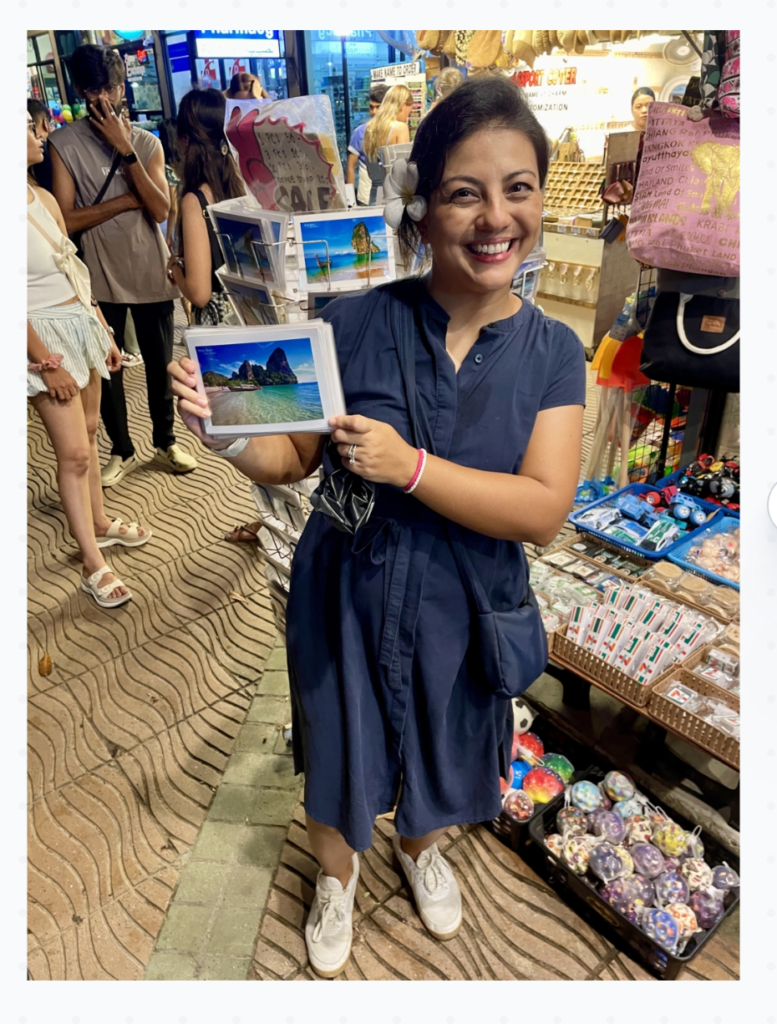
I grabbed a photo of me in a busy street in Thailand with curious tourists trying to get into my photo ….. and I needed the background removed, so I put it through the wringer:
I clicked on the Free Models tab, then Background Remover
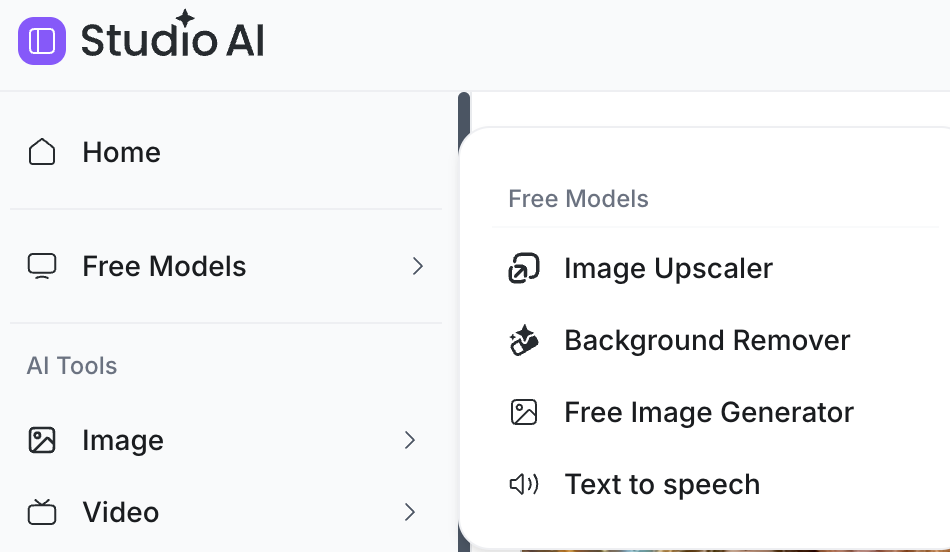
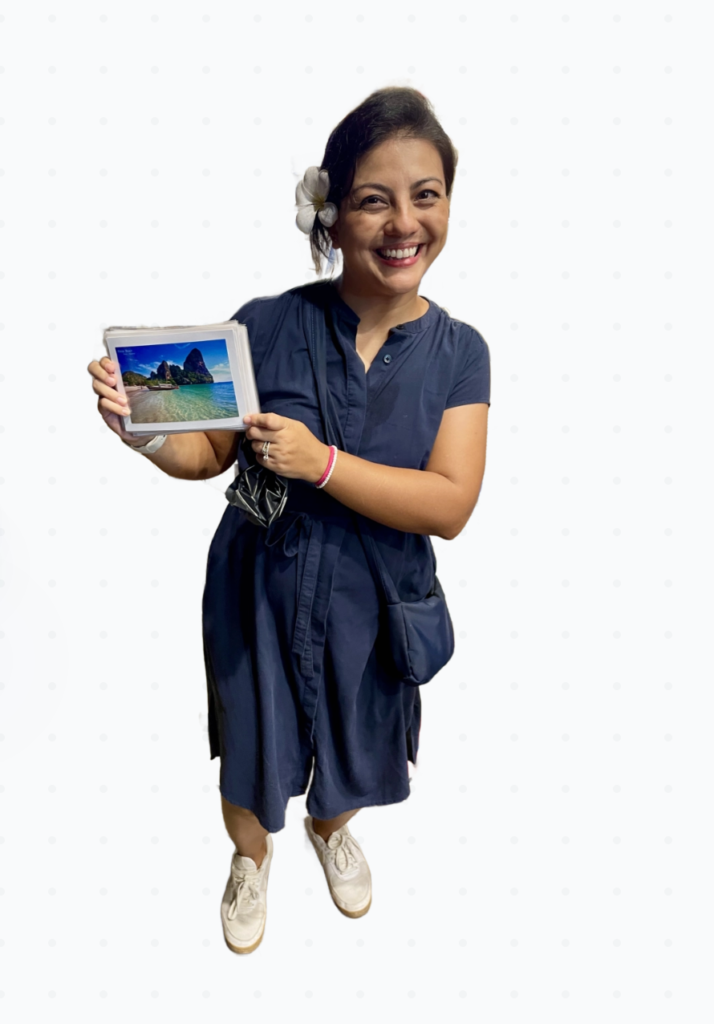
I was expecting it to take ages to remove the background (I’ve used plenty of AI tools before), but it only took a few seconds and did a surprisingly good job around the edges.
This is the before and after result, nifty, eh!
Who is it best for?
- Solo female travelers whose only photographer is a self-timer
- Anyone rebuilding travel photos from awkward but usable shots
- Women documenting their trips for blogs and social media without a photography budget
- Travelers on a budget who’d rather not add another subscription
Pros and limitations
Pros:
- Free local background removal, no credits or watermarks
- Windows and Mac support
- Cutouts export as transparent PNGs for any backdrop
- Built into a design editor — cutout to finished photo in one app
- Private: photos are processed on your own machine
Limitations:
- It removes the whole background — it’s a cutout tool, not a spot-eraser
- Speed depends on your laptop; older travel machines will be slower
- Models must be downloaded first — do it on good wifi before the trip
- Hair and busy backgrounds are the hardest edges
- Some features may still need internet or a Creative Fabrica account
FAQ
Is Creative Fabrica Studio Desktop free?
Yes — free on Windows and Mac, no credit card.
Does it work offline?
You need the internet to download the app and models; after that, the supported local tools ran on my laptop.
Can it cut a person out of a messy background?
Yes — that’s exactly what I tested.
Can I use a different background?
Yes — you get a transparent PNG you can place on any backdrop inside Studio, including your own travel photos.
Are my photos uploaded anywhere?
With the supported local tools, my photos were processed on my machine, not uploaded.
Does it work on Windows and Mac?
Both — I tested on my Mac
Bottom line
Traveling solo shouldn’t mean settling for lamppost-photobombed outfit photos.
With Creative Fabrica Studio Desktop, any usable self-timer shot becomes raw material: cut yourself out, drop the outfit onto a backdrop that deserves it, done — free, private, and on your own laptop.
Set it up before your next solo trip and stop relying on strangers’ framing skills.